
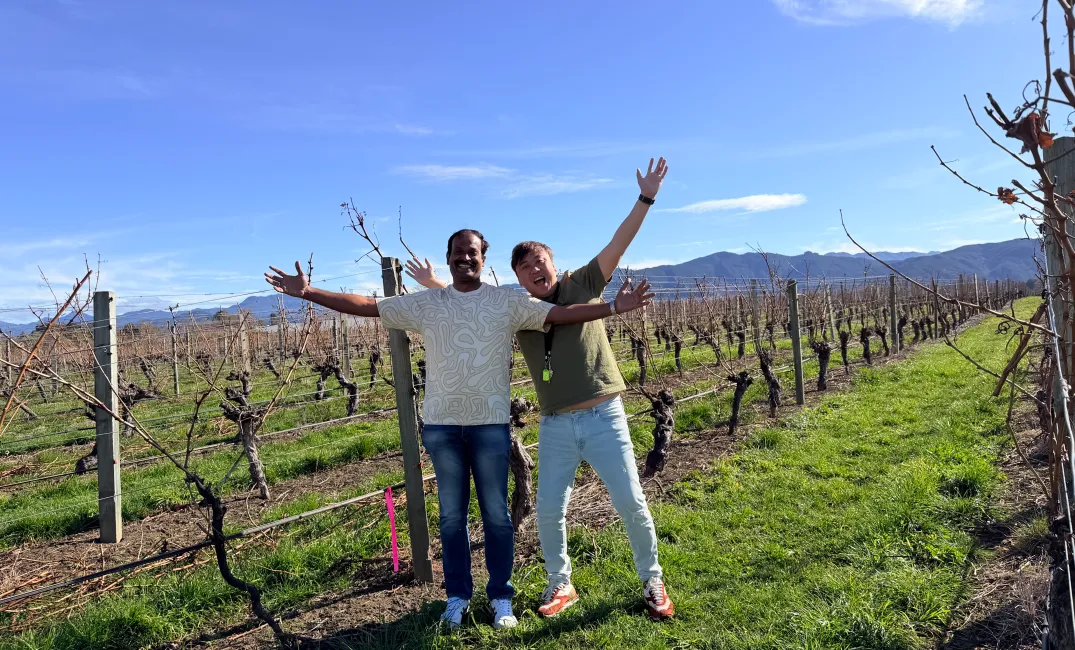
I have been managing the infrastructure at Cloudy Bay remotely from Singapore, but this trip was my first time visiting the winery in New Zealand. This time, I was there to carry out the migration from VMware to Huawei DCS.
The wider trip also included Domaine Chandon Australia, but I wanted to give the Cloudy Bay part its own post.
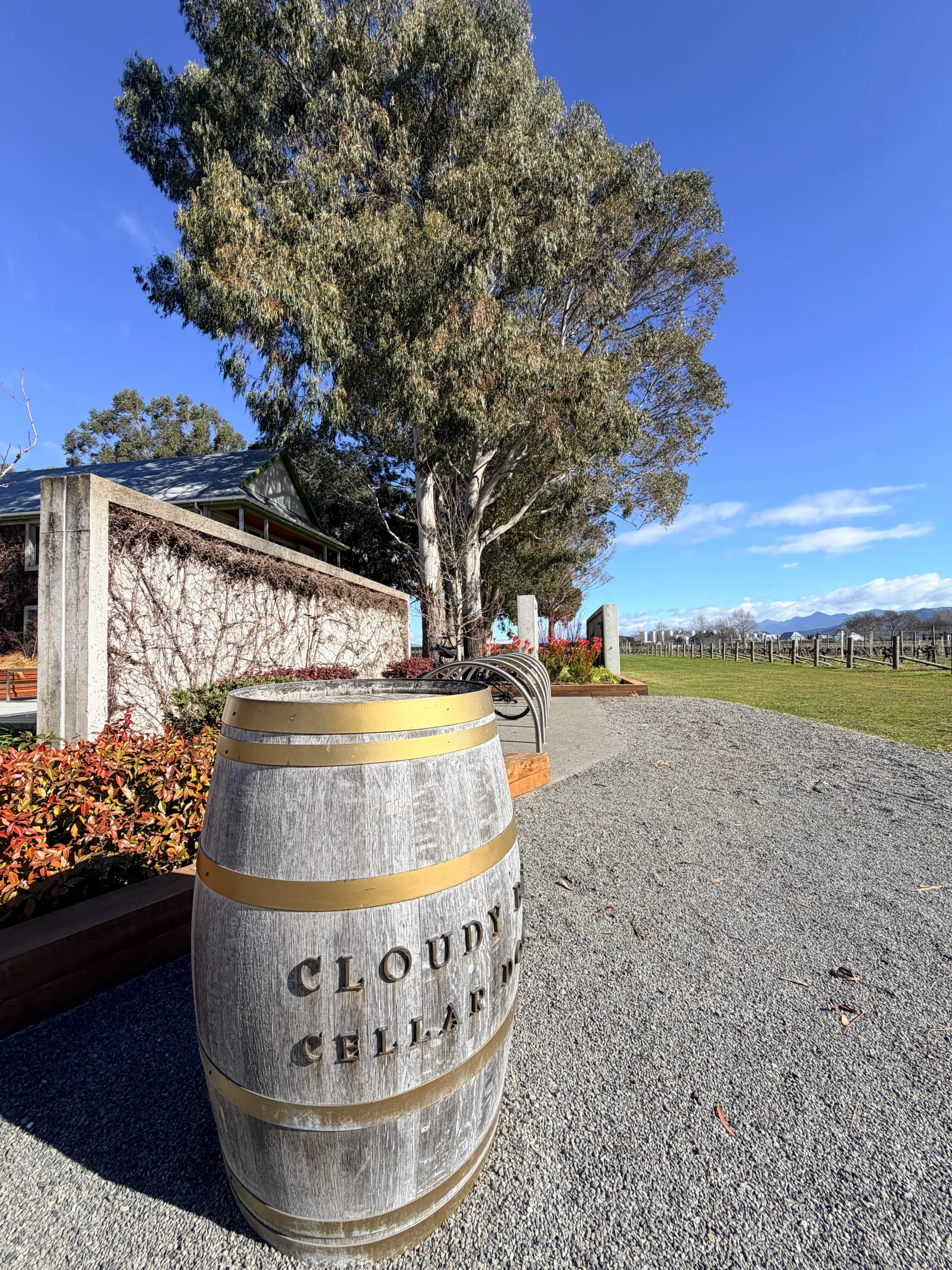
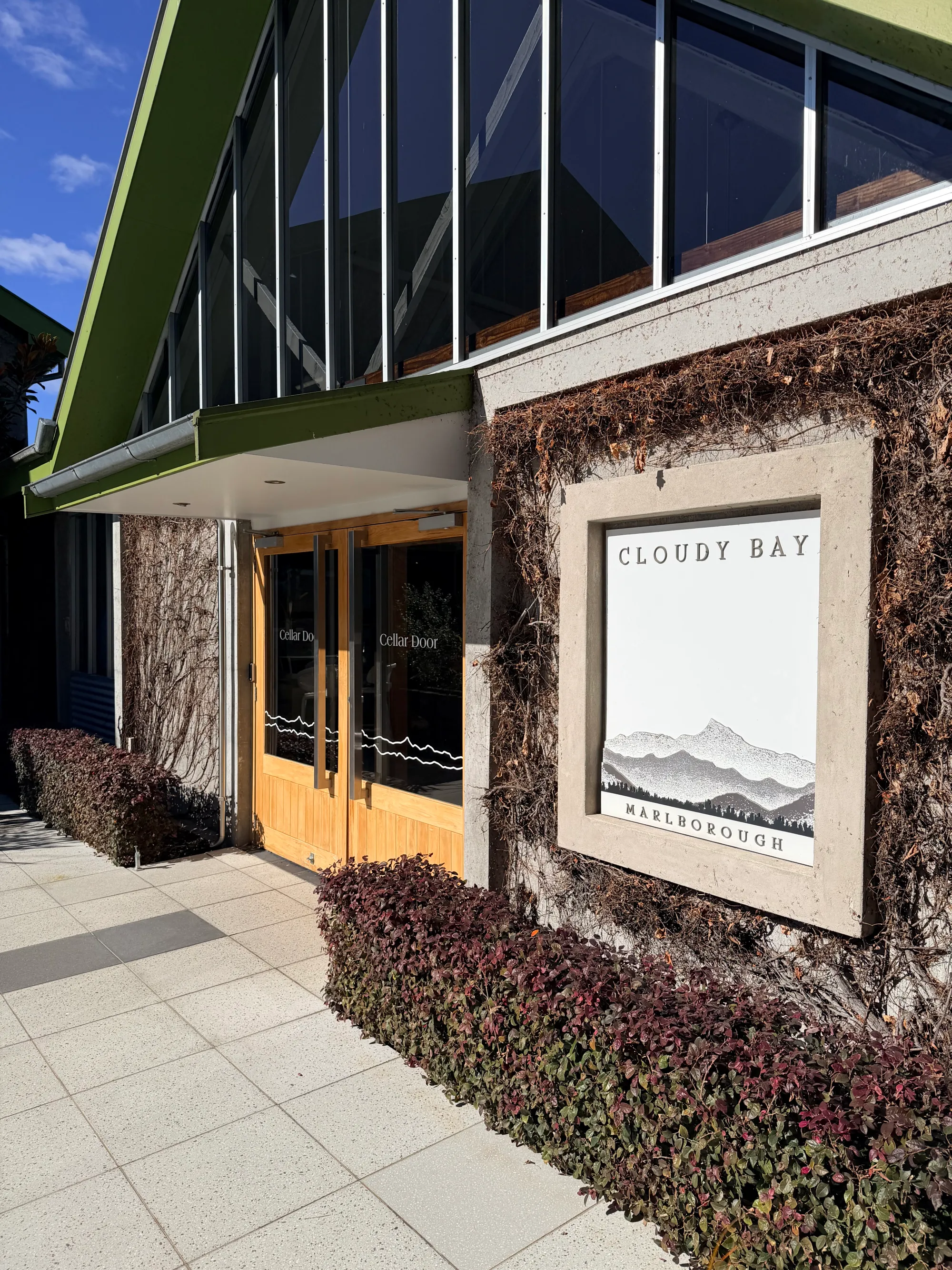
Finally visiting Cloudy Bay
When you manage infrastructure remotely, you get familiar with the environment without necessarily knowing much about the place around it. You know the systems you look after, but your view of the site is still mostly through a screen.
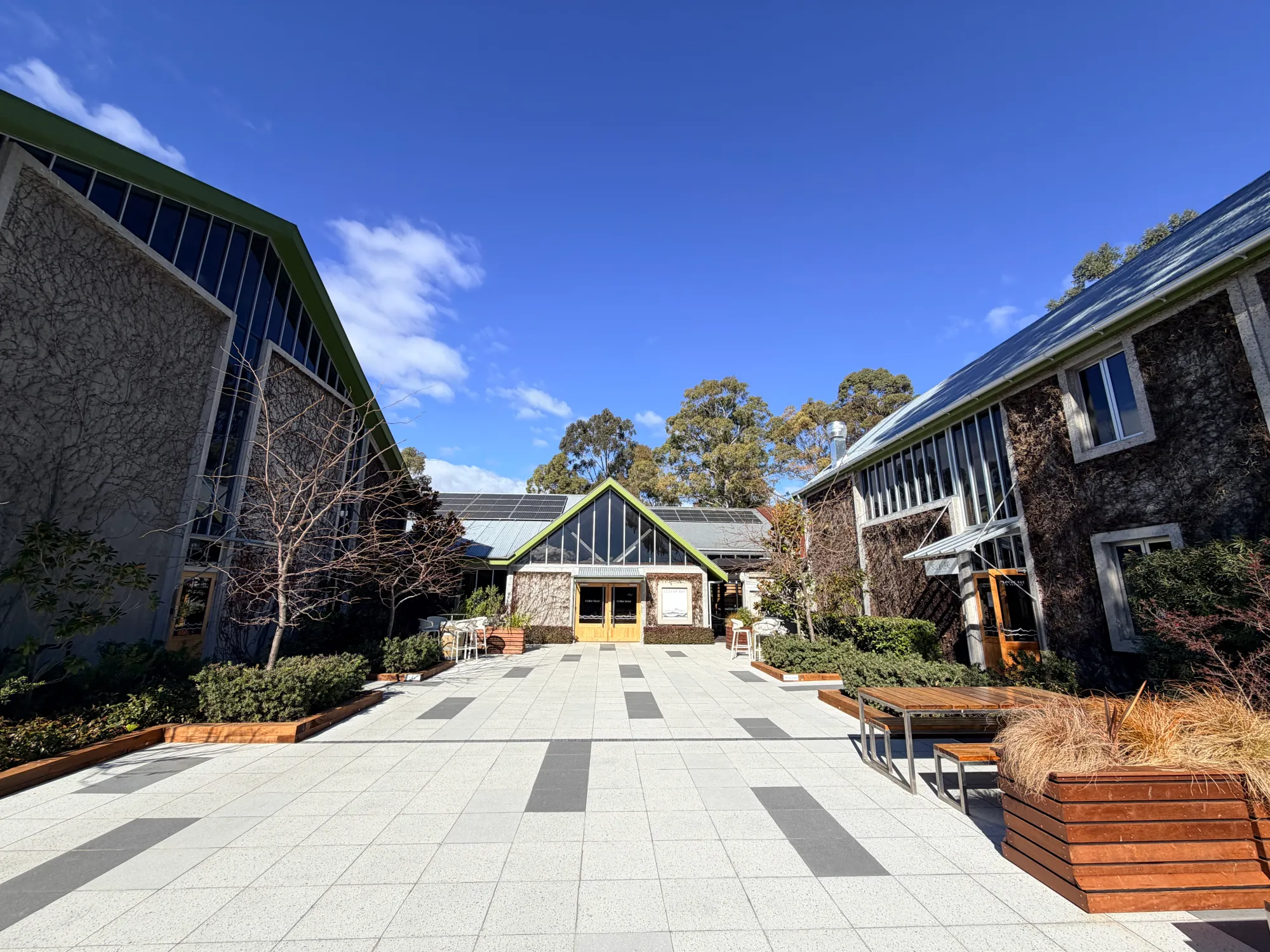
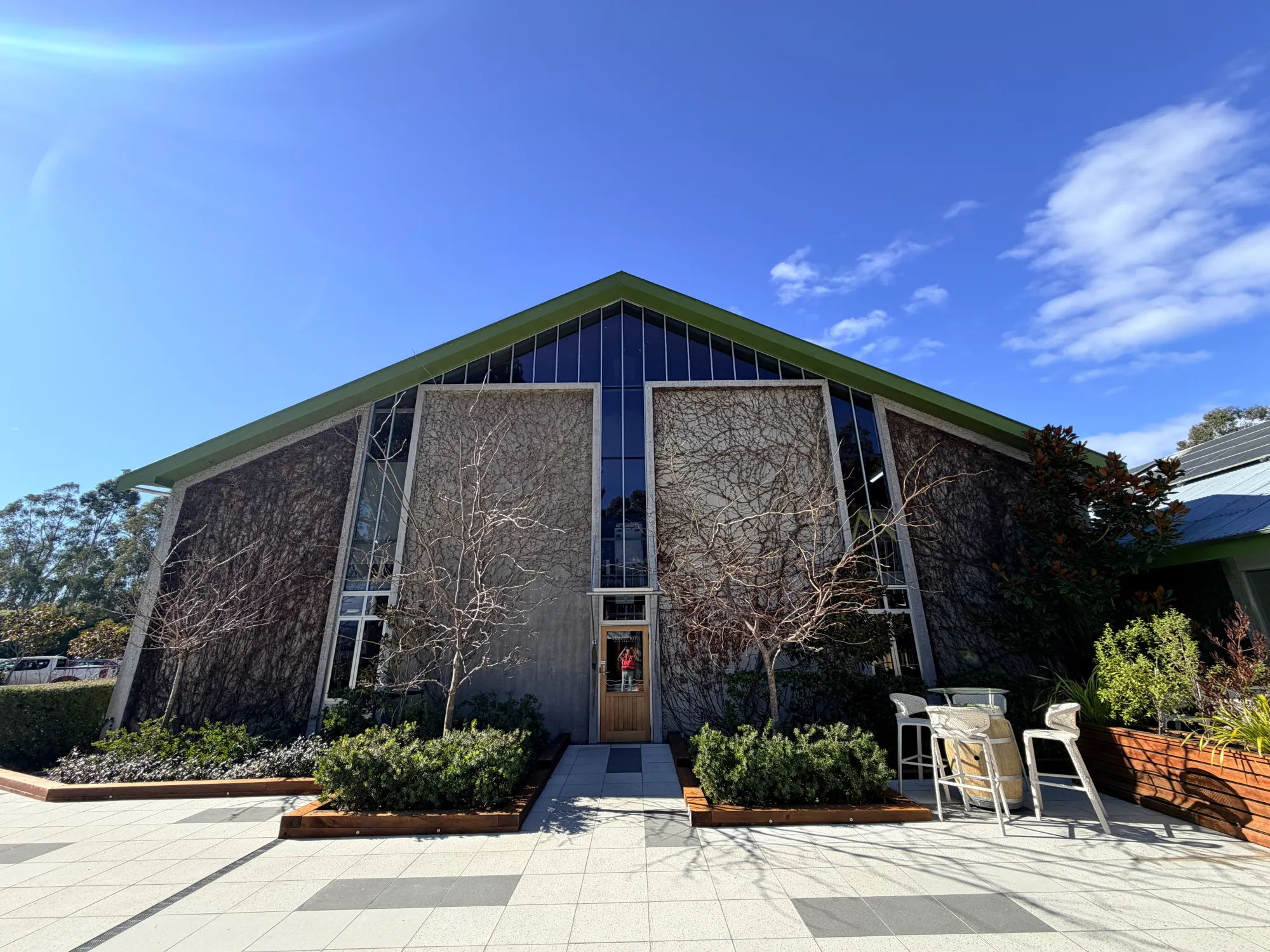
It was good to see Cloudy Bay in person after managing its infrastructure from Singapore.
The migration: 10–13 August 2026
We started the migration on 10 August 2026 and completed it on 13 August 2026, ahead of the planned schedule. We used Huawei Migration Director to move the VMware workloads to Huawei DCS, with FusionCompute as the virtualisation platform on the Huawei side.
Getting the migration completed during my first visit was already satisfying. Looking back at what happened with VMware VDDK shortly afterwards, I feel we were very lucky with the timing as well.
Why VDDK mattered to our migration
VDDK stands for Virtual Disk Development Kit. It provides libraries that software can use to access VMware virtual disks, including the VMDK disks that hold a VM's operating system, applications and data. It is one of the components behind many VMware backup, recovery and migration workflows. Broadcom's VDDK overview explains the disk-access and data-transfer functions.
For our migration, Huawei Migration Director depended on VDDK to access the source VMware disks. Migration Director coordinated the migration, while VDDK supplied the VMware disk-access component required by that workflow. VM configuration, snapshots and the transfer of disk data involve different parts of the platform and its APIs.
At a high level, our path was:
VMware source → Huawei Migration Director, using VDDK for disk access → FusionCompute on Huawei DCS.
Even though the destination was Huawei, part of the route out of VMware still depended on software supplied by VMware/Broadcom. Without the required VDDK package, we could not have carried out the Migration Director workflow we had planned.
It is easy to spend most of your attention on the destination platform. This was a good reminder that the source-side tools and dependencies deserve just as much attention.
What changed with the VDDK downloads
On 25 August 2026, twelve days after we completed our migration, ShapeBlue documented that the public VDDK download pages were returning errors. Its checks included the main download page and the version-specific pages for VDDK 8 and 9.
On 27 August, Red Hat confirmed the problem in a verified support article. Customers following its migration guidance could no longer obtain VDDK from the standard public download links. Red Hat also explained that it could not host or distribute the proprietary package itself, and directed customers to VMware/Broadcom support.
The It's FOSS article on the removal of public VDDK downloads covers the wider impact and mentions reports beginning in mid-August. These are dates of reporting; they do not establish the exact date public access changed. Either way, this was very close to our own migration window.
To be honest, seeing those reports made me appreciate our timing a lot more. We had the required components available and had finished the work by 13 August. A fresh project following the same migration instructions could then get stuck before it even reached the cutover stage.
There is a difference between losing access to a download and an installed library stopping working. Platform9 notes that existing VDDK-based migration environments may continue operating, while new deployments, replacements or upgrades can still run into the availability problem.
Other migration methods can avoid VDDK, with their own prerequisites. ShapeBlue describes alternatives for its platform. Switching methods would have meant revisiting our migration plan.
What I would check before doing it again
For a similar project, I would check the complete migration path early, including the supporting packages:
- Confirm the migration tool and VDDK versions supported by the source environment.
- Obtain the required packages through an authorised route, and retain the versions and checksums with the project records as permitted by their licences.
- Test the actual migration workflow before committing to the cutover window.
- Work through a fallback in advance, including its storage, downtime and recovery requirements.
The destination platform can be ready while a missing source-side dependency still prevents the move. In our case, that dependency was a package that might otherwise have looked like a small preparation task.
Where FusionCompute fits in Huawei DCS
Huawei DCS is a wider data centre solution. FusionCompute was the virtualisation platform I worked with at Cloudy Bay, but the wider suite also has components for infrastructure management, backup, disaster recovery and migration.
In the FusionCompute-based DCS stack, the main names are:
- FusionCompute: virtualisation and management of compute, storage and network resources.
- CNA (Computing Node Agent): the host-side component that provides virtual computing and manages the host's VMs and resources.
- VRM (Virtual Resource Management): central management of VMs and cluster resources through a web interface.
- DME/eDME: broader infrastructure management and operations, with naming varying across releases.
- eBackup and UltraVR: backup/recovery and disaster recovery components respectively.
- Migration Director: the migration tool we used for this project.
Huawei's DCS solution description outlines the wider suite, while its FusionCompute architecture documentation explains CNA and VRM. The components available or deployed depend on the release, edition and design; this list describes the suite rather than the installed inventory at Cloudy Bay.
FusionCompute versus VMware vSphere
For the VM layer, the useful comparison is FusionCompute within DCS against VMware vSphere. Here is how I would map the main operational concepts for someone coming from VMware:
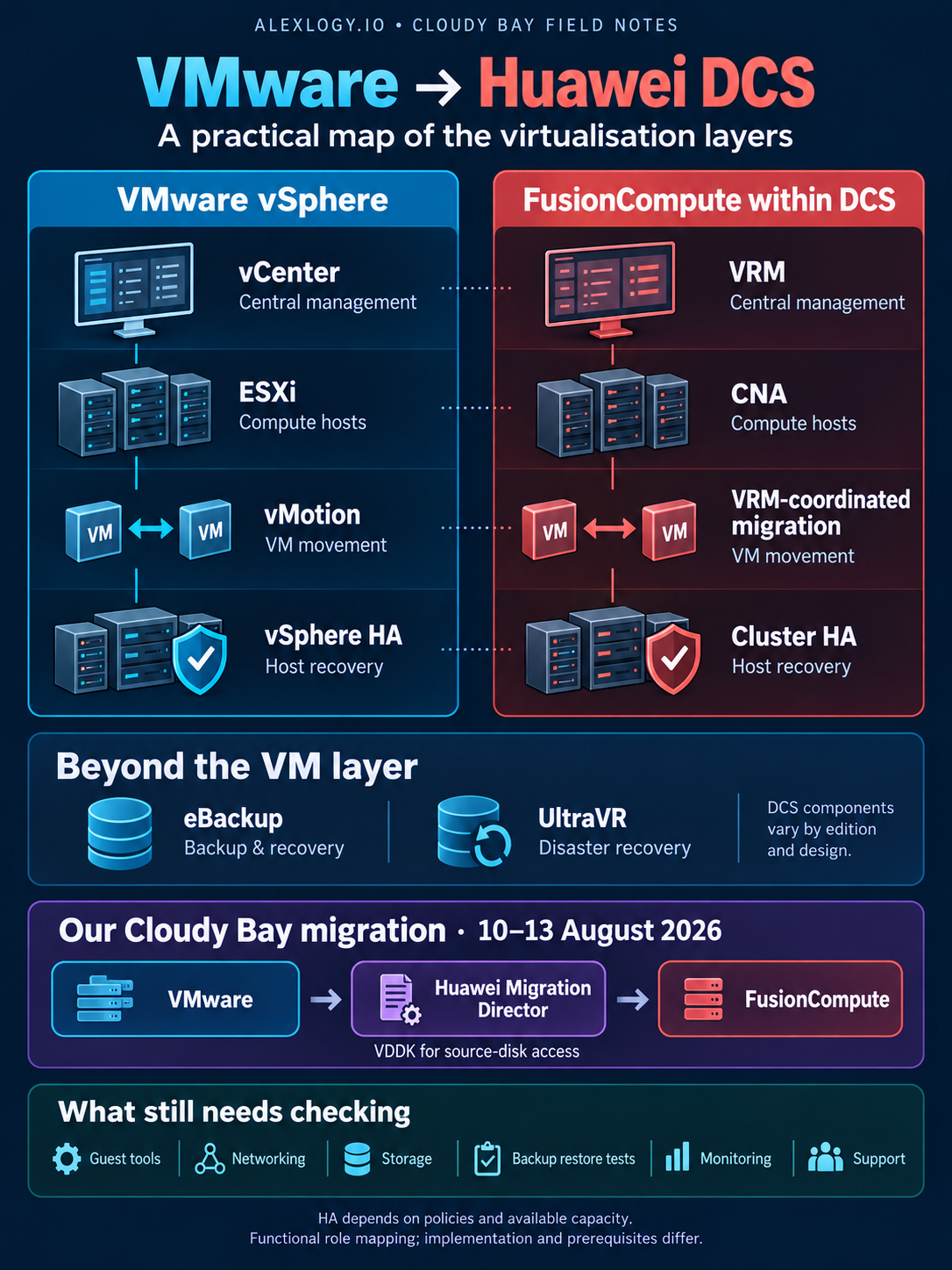
This is a functional map. Features and prerequisites depend on the software release, edition and configuration. The references behind it are Huawei's FusionCompute architecture and cluster HA guidance, together with VMware's vSphere feature comparison.
The host and management layers are a useful starting point when learning the layout. For me, the practical comparison then comes down to the applications and the work around them: guest tools and drivers, networking, storage, backup and restore, monitoring, upgrades and support.
I would also compare the actual software and support quotes for the required configuration. A feature list alone does not establish the cost of running the site. The platform needs to be something we can operate and recover confidently after returning to Singapore.
The office side of the trip
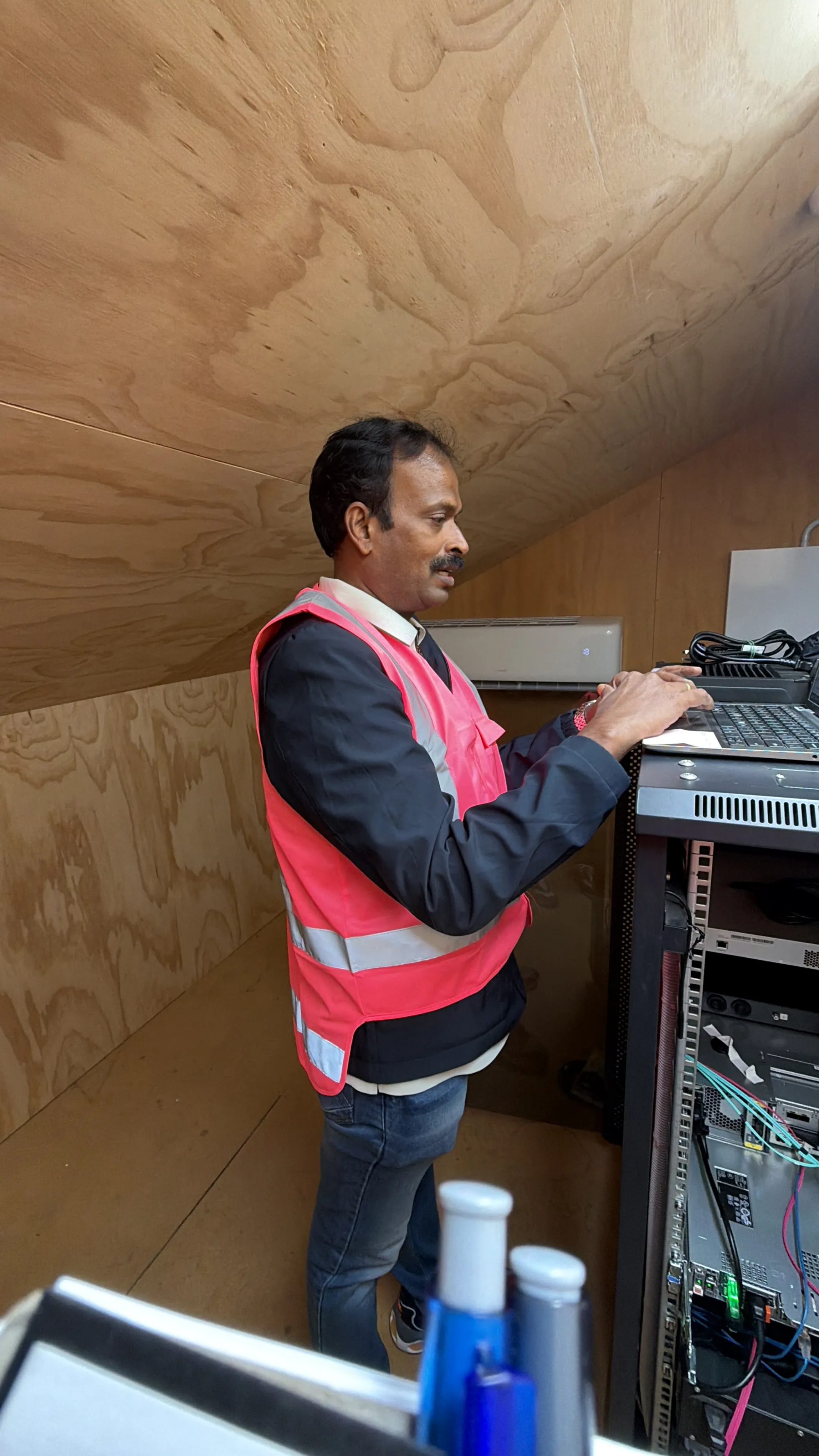
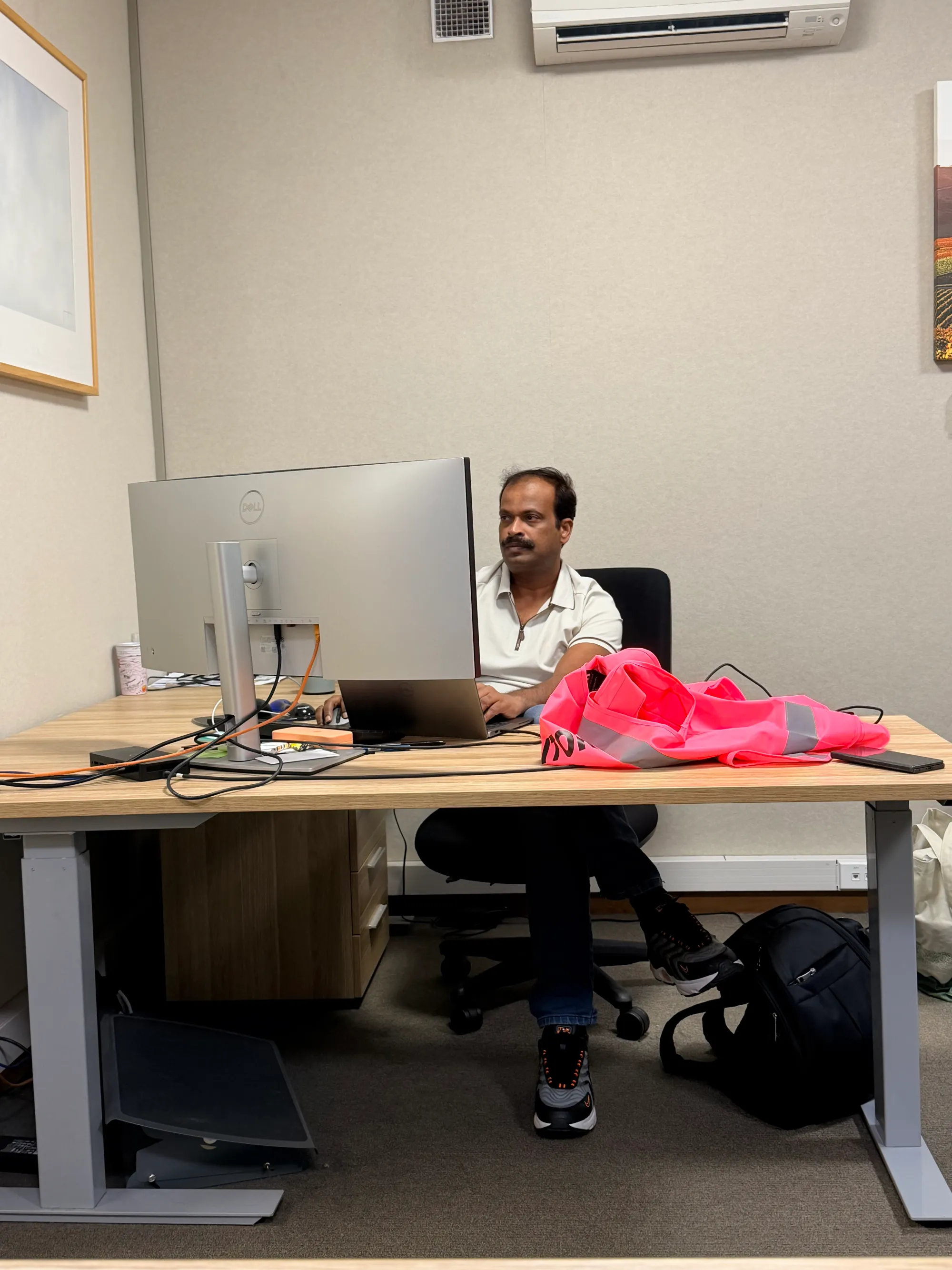
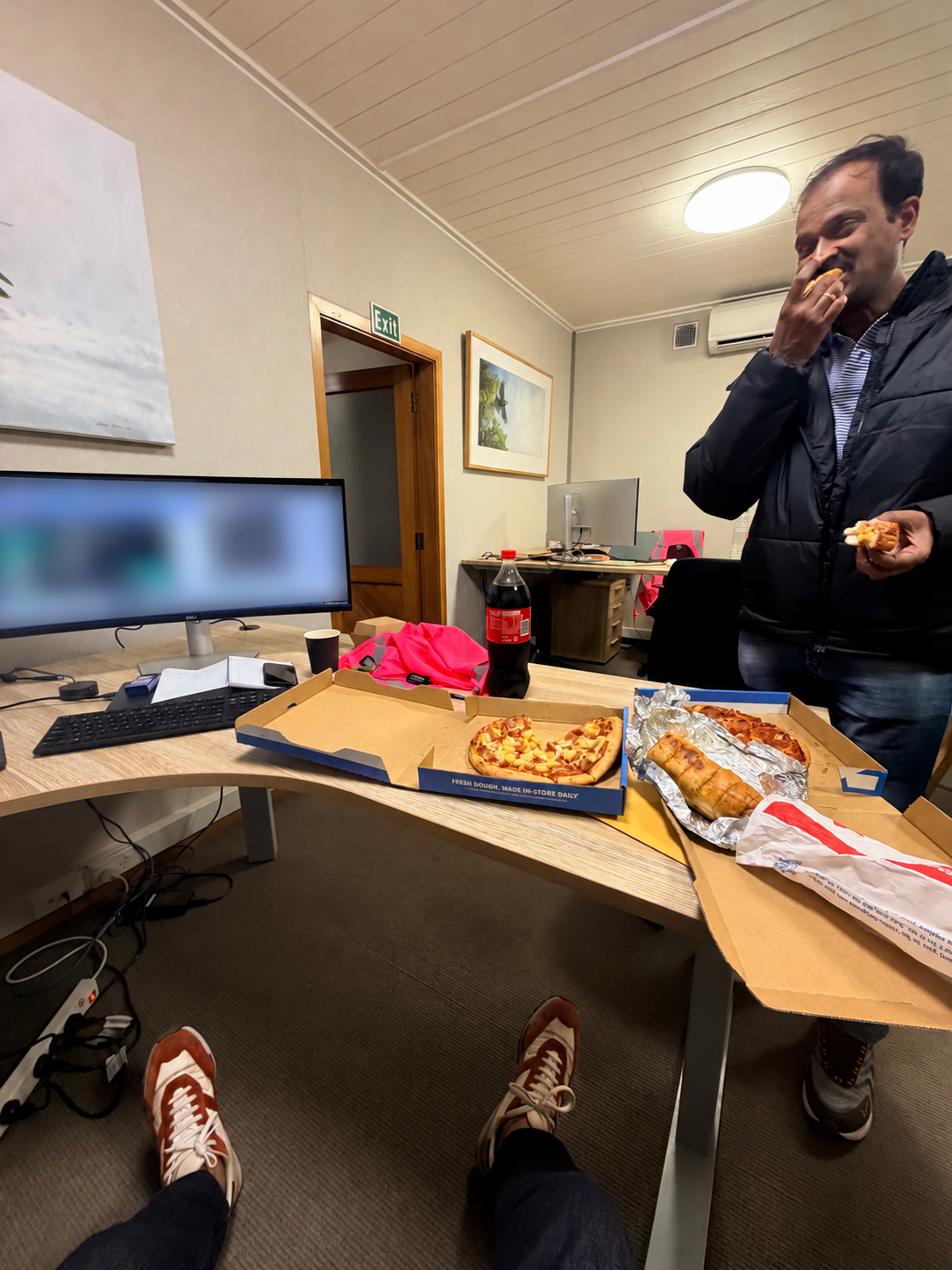
Of course, the photos were not all vineyards and blue skies. There was also time at a desk getting the migration done, with pizza close by. 😄
A few moments outside the office
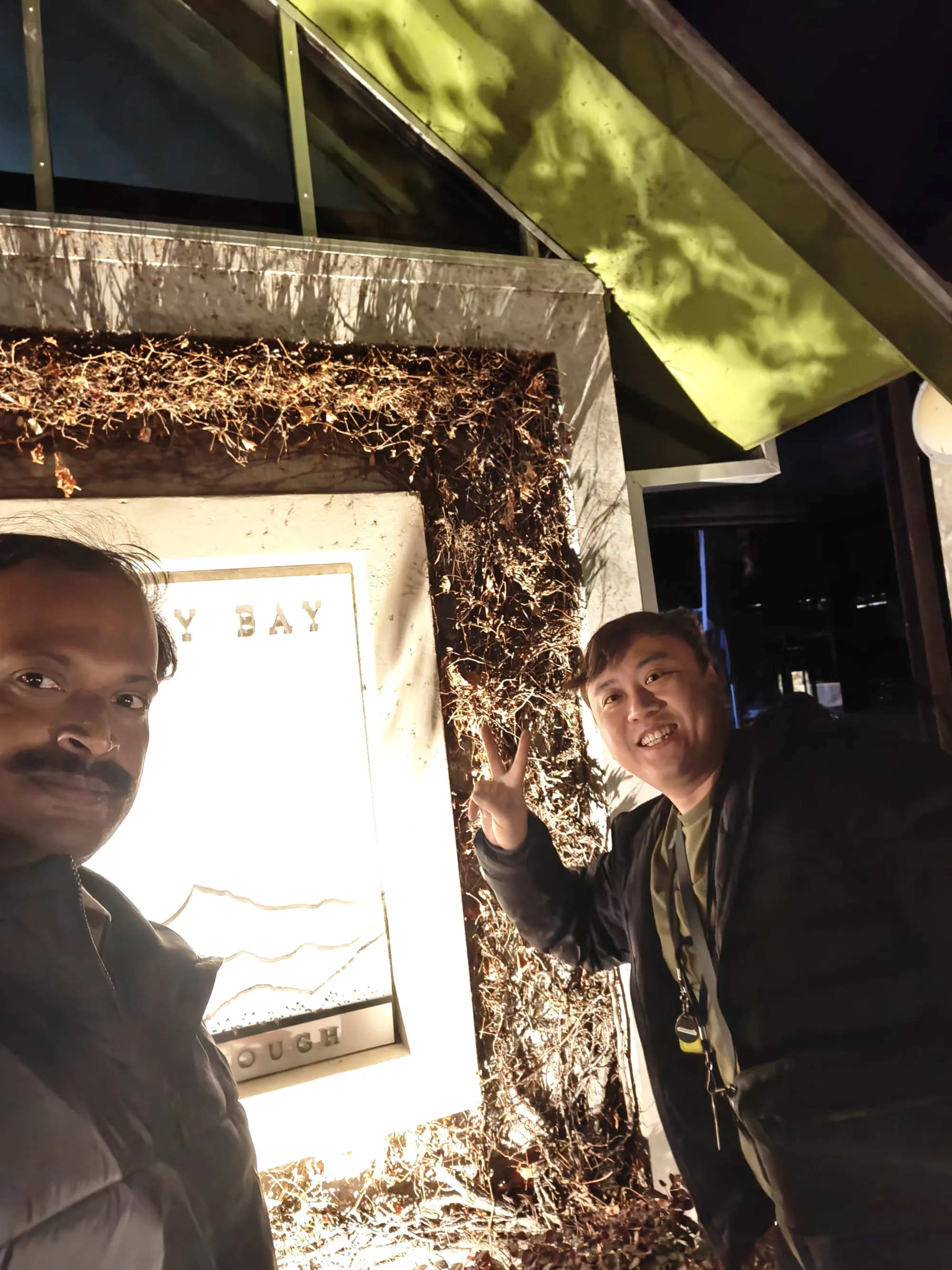
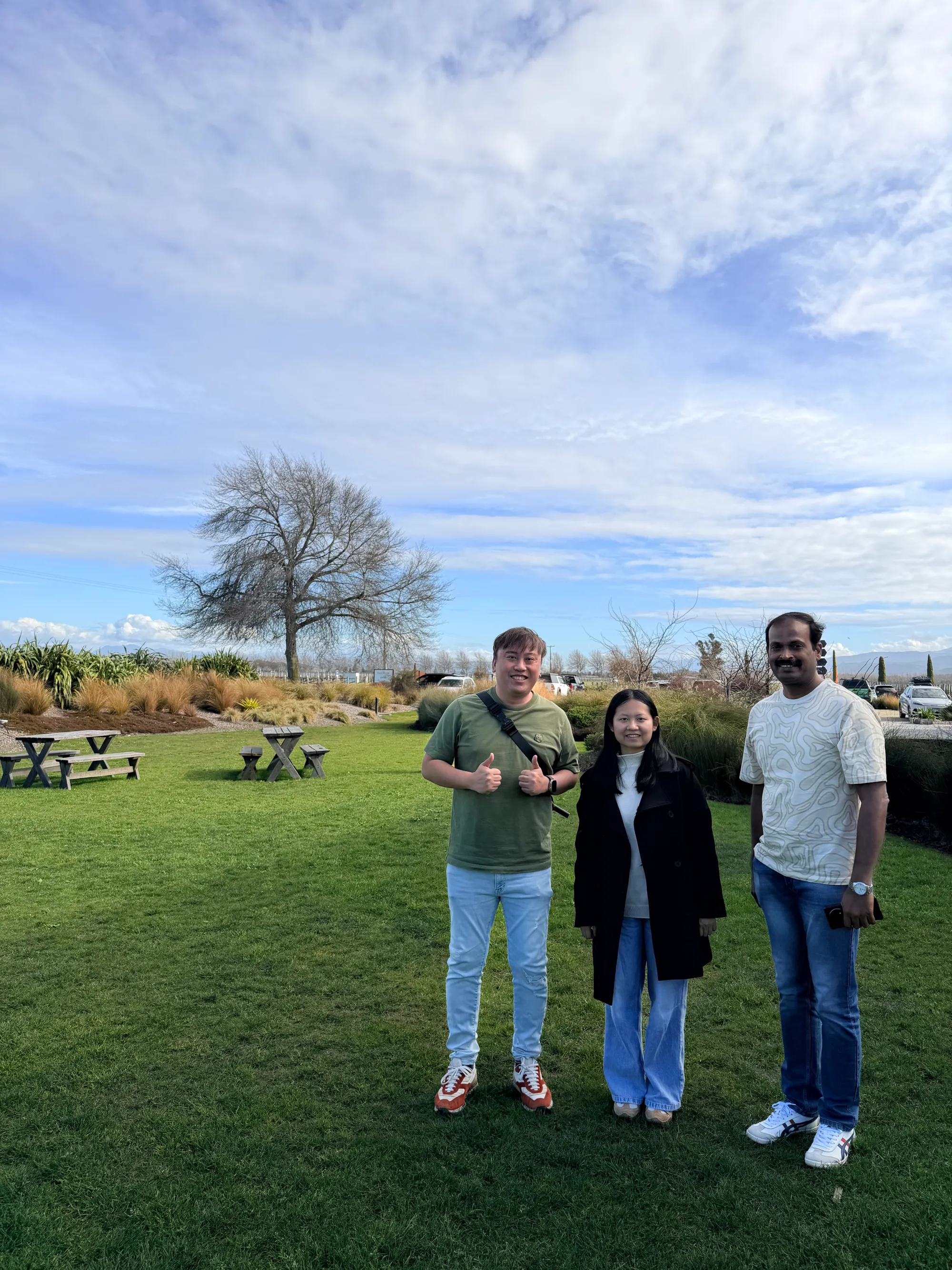
Away from the desk, I also got to see the vineyard and take a few photos. The rows of vines with the mountains behind them made a fairly good backdrop for a work trip.
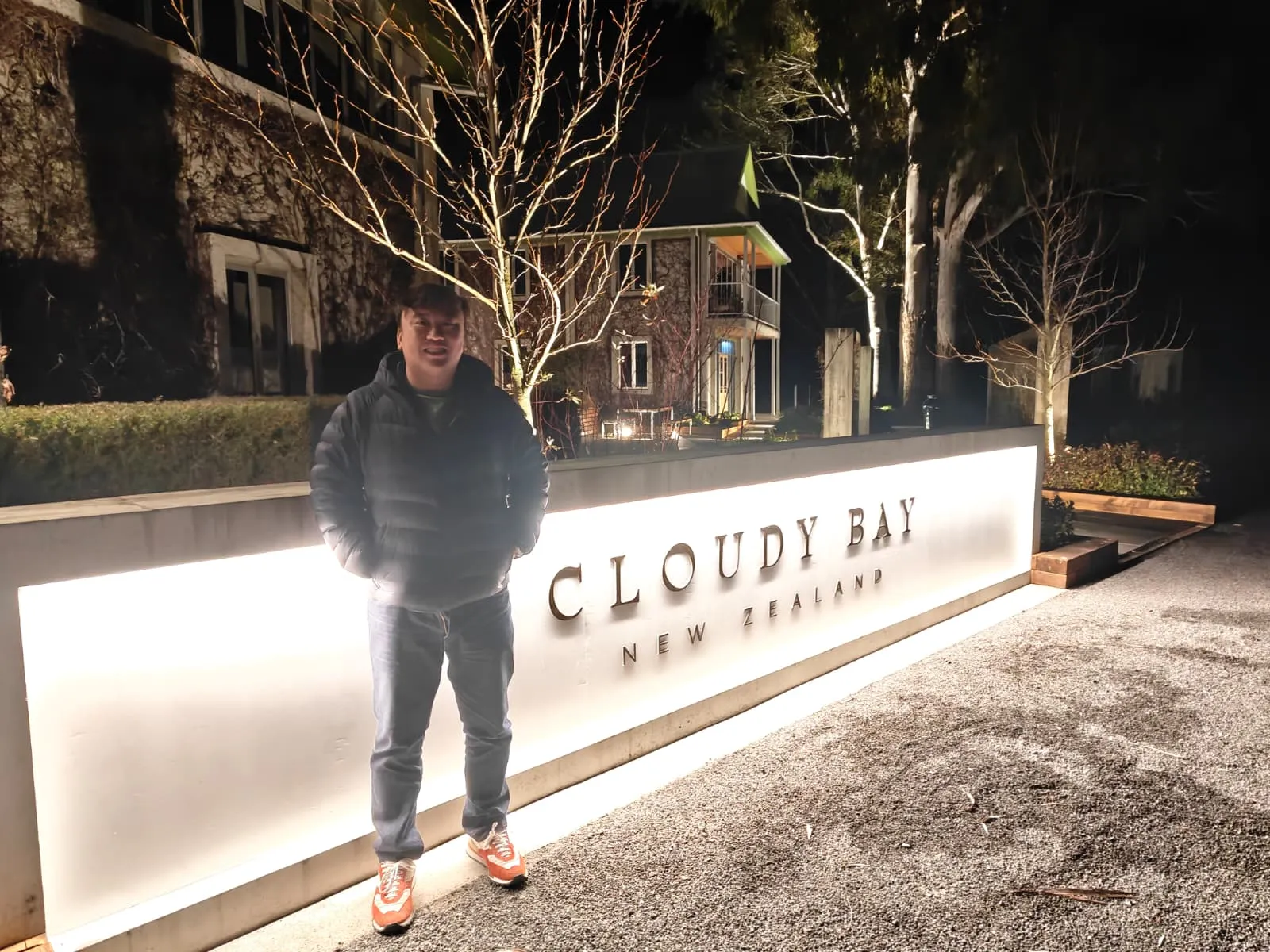
The next time I connect to Cloudy Bay from Singapore, I will have a much better picture of the place at the other end.